 AstroKosh
What's inside the app
These are real screens from AstroKosh, not mock-ups.
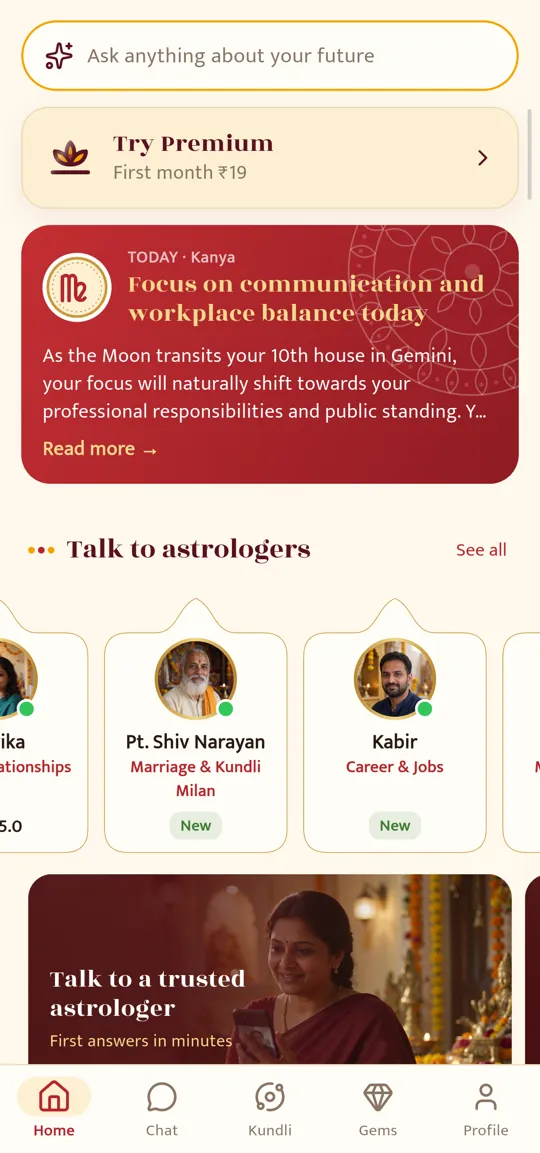
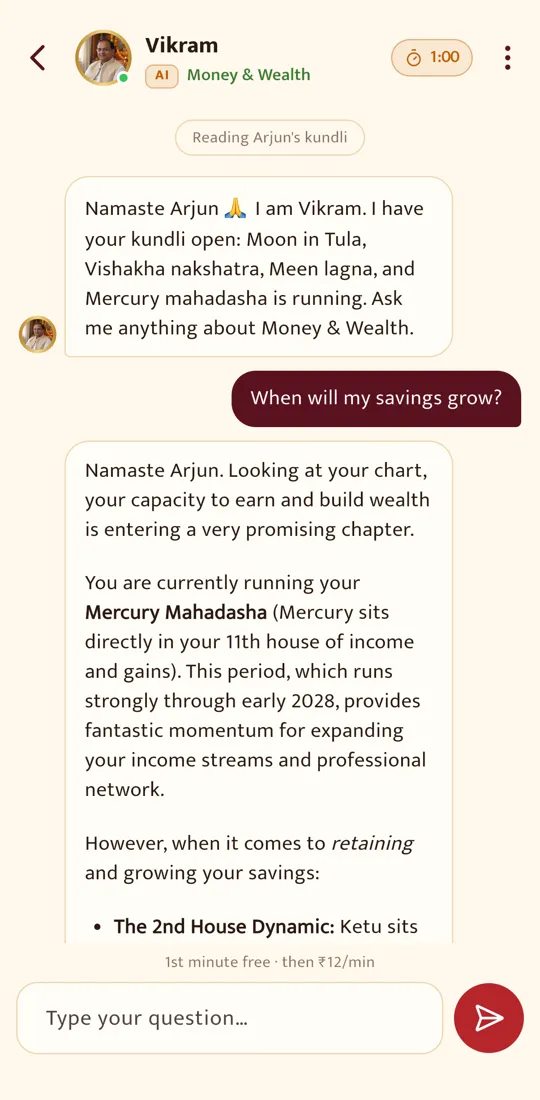
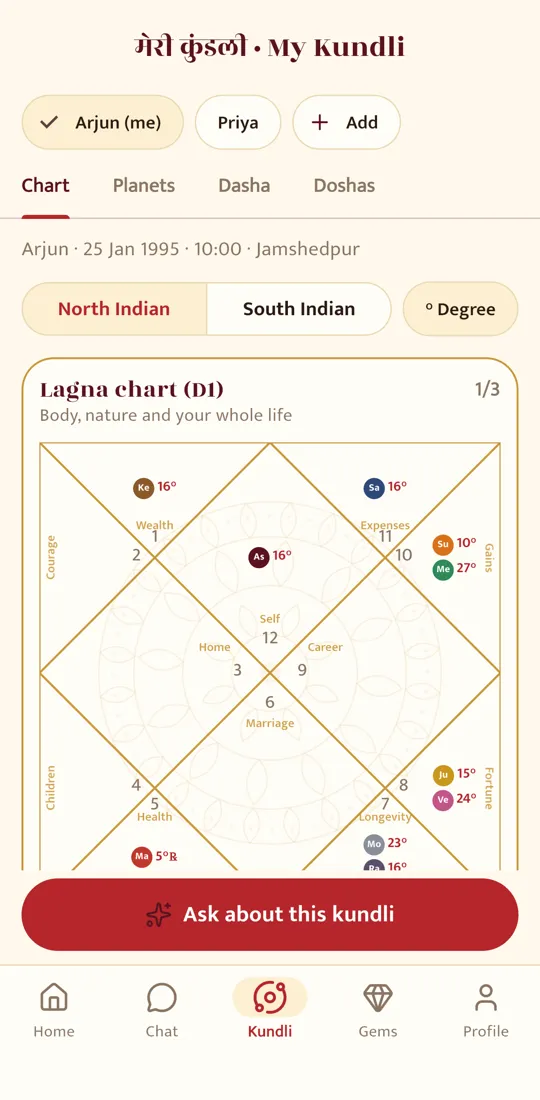
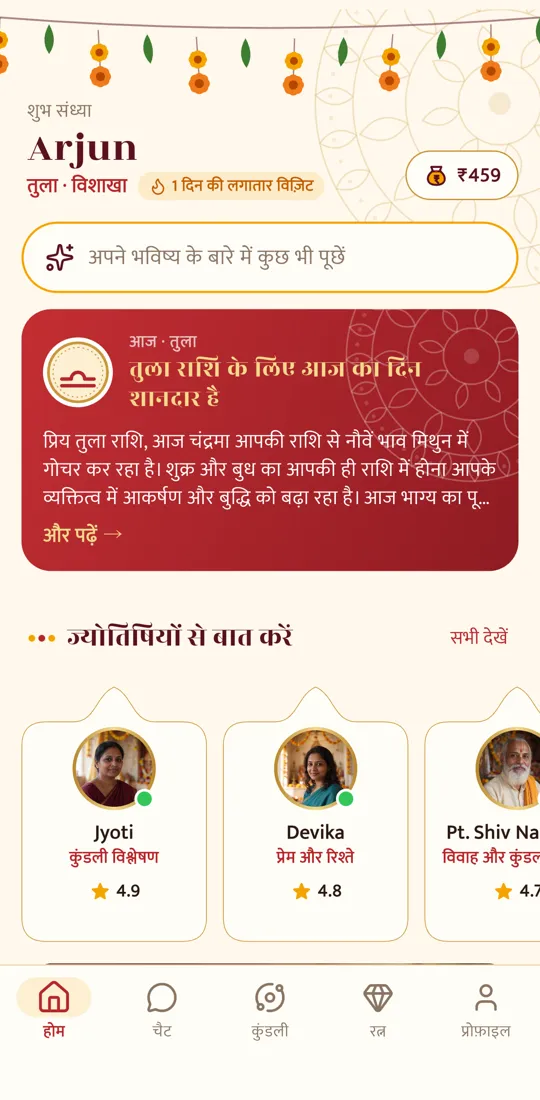
Answers from your chart, not your sun sign
Ask about a job change, marriage timing or money. The astrologer reads your lagna, the planets in each house and your running dasha, then gives a short, specific answer with one practical step. The price per minute is shown before you start.
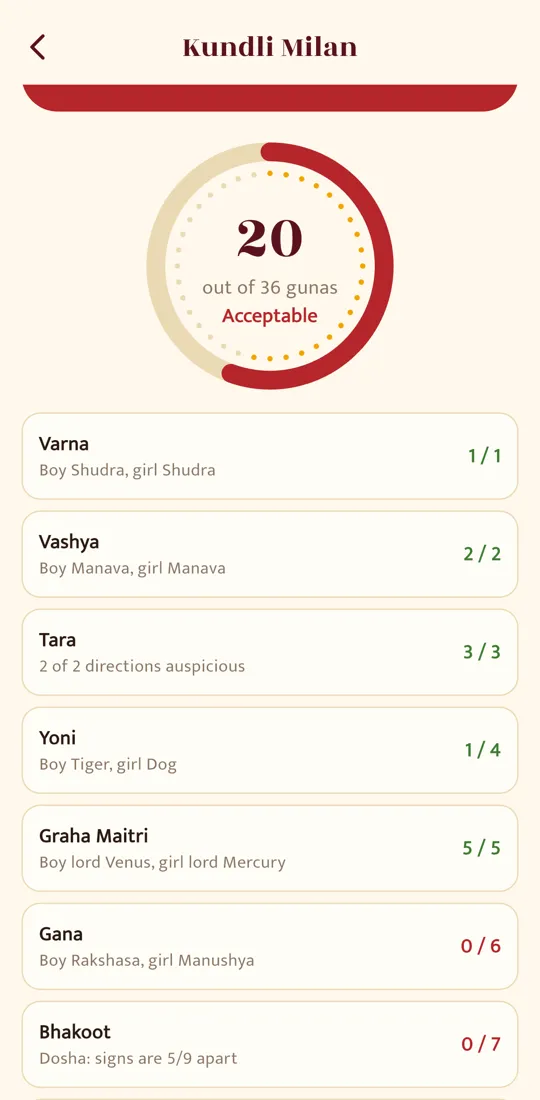
Kundli Milan that explains itself
All eight Ashtakoota kootas are scored out of 36 gunas, with Manglik dosha checked for both. Each koota says in plain words what it means for the couple.
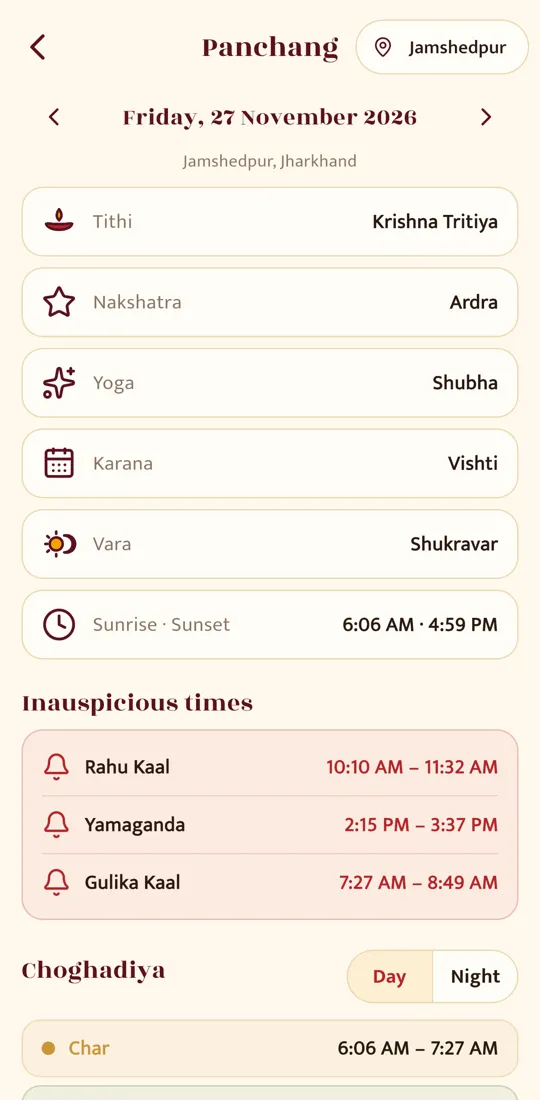
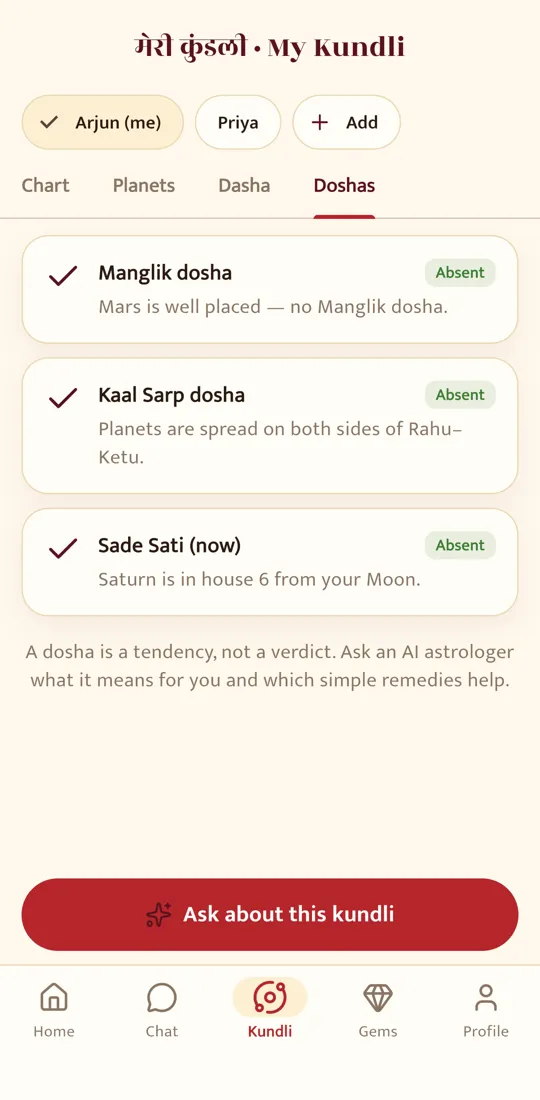
Dasha, doshas and the panchang for your city
See your Vimshottari dasha timeline, check Manglik, Kaal Sarp and Sade Sati, and plan the day with tithi, nakshatra, Rahu Kaal and choghadiya worked out for where you are.
Honest about AI
Every astrologer is clearly marked as AI. Ratings come only from people who actually chatted.
Real astronomy
Planet positions are calculated with the Lahiri ayanamsa, the standard Indian jyotishis use.
Your data stays yours
No ad trackers and no selling data. Delete your account any time.
Questions people ask
Is the AstroKosh kundli free?
Yes. Your full Vedic birth chart (lagna, rashi, nakshatra and all nine planets) and your daily rashifal are free. Premium adds the full dasha timeline, dosha analysis, divisional charts, Kundli Milan reports and monthly palm readings.
Are the astrologers real people?
No. AstroKosh astrologers are AI guides that read your real birth chart using classical Vedic texts such as Brihat Parashara Hora Shastra. They answer in seconds, at any hour, in your language.
How is the daily rashifal written?
Every morning it is written from that day's actual planet positions for each of the 12 rashis, in nine languages.
How does Kundli Milan work?
Enter both birth details. AstroKosh scores all eight Ashtakoota kootas out of 36 gunas, checks Manglik dosha for both, and explains what each result means.
Which languages does AstroKosh support?
English, Hindi, Bengali, Tamil, Telugu, Marathi, Gujarati, Kannada and Malayalam.
How do I delete my account?
In the app, open Profile and choose Delete account. You can also request deletion on our account deletion page. Delete my account